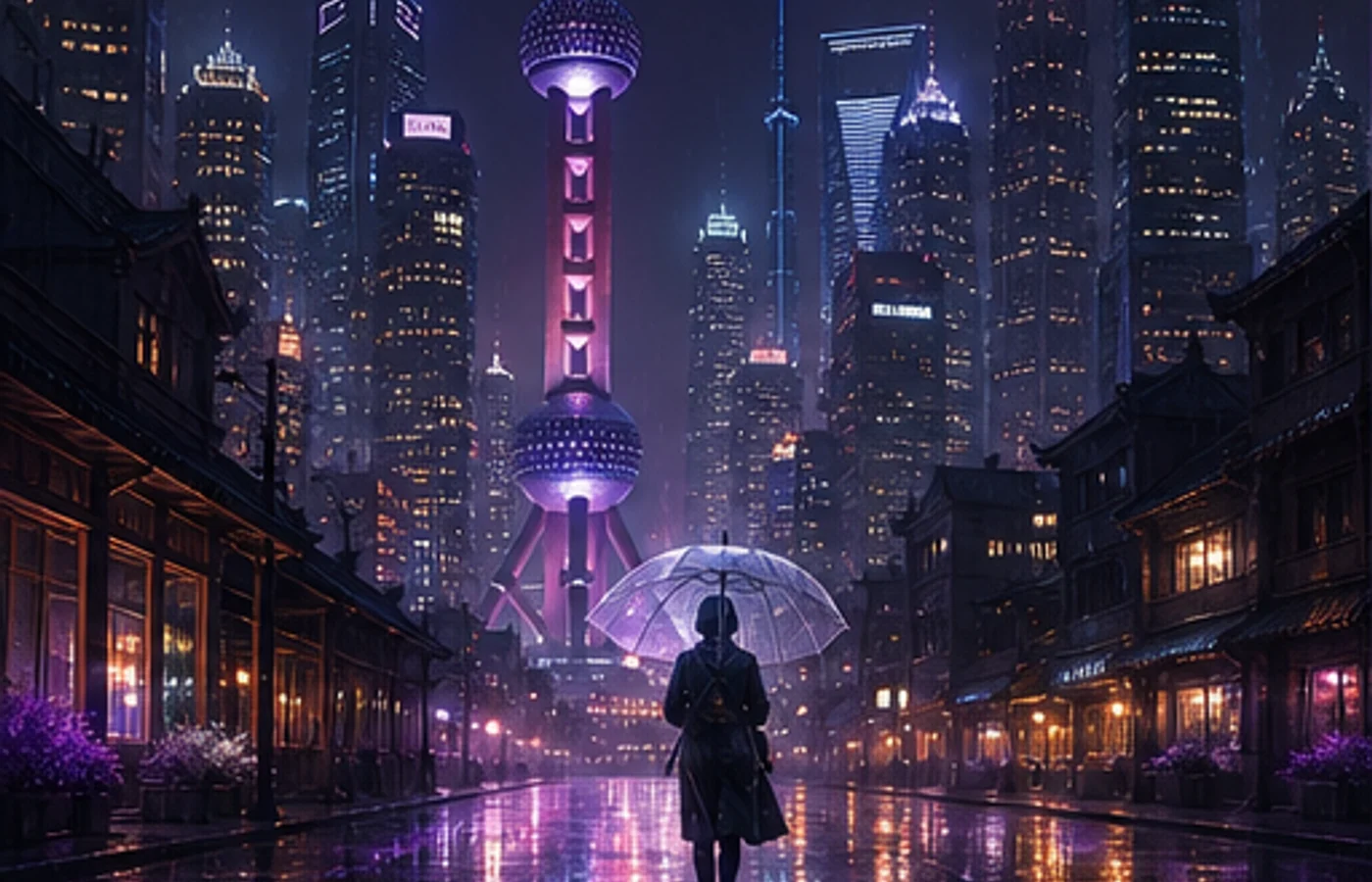

Midjourney V8.1 เปิดบนเว็บวันที่ 30 เมษายน 2026 และเป็นโมเดลเริ่มต้นวันที่ 10 มิถุนายน งานมาตรฐานเร็วขึ้นราว 4–5 เท่า รองรับ HD 2K โดยตรง และเก็บรายละเอียดพรอมต์ได้ดีขึ้น
บทเรียน Midjourney นี้อธิบาย HD พารามิเตอร์ และการเขียนพรอมต์ที่ใช้ซ้ำได้ คู่มือและพื้นที่สร้างงานนี้ไม่ใช่เว็บไซต์ทางการของ Midjourney
Style Reference ใช้กับ V8.1 ได้ แต่ Omni Reference ใช้ V7
V8.1 เทียบกับ V7
V8.1 รวมความเร็วของ V8 กับสมดุลภาพที่คุ้นเคยใกล้ V7
| หัวข้อ | V7 | V8.1 |
|---|---|---|
| ความเร็ว | ทำซ้ำช้ากว่า | เร็วขึ้นราว 4–5 เท่า |
| ขนาด 1:1 | มาตรฐาน | SD 1024px หรือ HD 2048px |
| เข้าใจพรอมต์ | ดีเมื่อพรอมต์สั้น | เก็บรายละเอียดมากขึ้น |
| ภาพอ้างอิง | Omni และ Style | Style; Omni ใช้ V7 |
ฟีเจอร์หลักของ V8.1
1. HD 2K โดยตรง
ใช้ --hd หลังเลือกองค์ประกอบแล้ว: 2048×2048 ที่ 1:1 ส่วน SD 1024×1024 เหมาะกับการลองแนวทาง
2. ทำซ้ำเร็ว
ทดสอบองค์ประกอบ กล้อง และแสงแยกกันแทนการเขียนพรอมต์ใหม่ทั้งหมด
3. ควบคุมด้วย Raw
--raw ลดสไตล์อัตโนมัติและให้น้ำหนักคำสั่งที่ชัดเจน
4. เครื่องมือพรอมต์
Image Prompts, Describe และ Prompt Shortener ช่วยวิเคราะห์ภาพอ้างอิงและตัดคำที่ไม่จำเป็น
5. ความเข้ากันได้
Style Reference ใช้ใน V8.1 ส่วน --oref และ --ow อยู่ใน V7
6. โหมด Draft
บนเว็บสร้างภาพร่าง 512px จำนวน 24 ภาพใน 0.4 นาที GPU แล้วใช้ Vary หรือ Remix เป็น SD/HD
ตารางพารามิเตอร์
วางพารามิเตอร์ท้ายพรอมต์และเปลี่ยนครั้งละหนึ่งค่า
| พารามิเตอร์ | หน้าที่ | ตัวอย่าง |
|---|---|---|
--v 8.1 | ใช้ V8.1 | --v 8.1 |
--hd | สร้าง HD | --hd |
--sd | สร้าง SD | --sd |
--ar | กำหนดอัตราส่วน | --ar 16:9 |
--s / --stylize | กำหนดสไตล์ | --s 250 |
--raw | ลดสไตล์อัตโนมัติ | --raw |
--c / --chaos | เพิ่มความหลากหลาย | --c 30 |
--sref | เพิ่มสไตล์อ้างอิง | --sref URL |
--sw | น้ำหนักสไตล์ | --sw 200 |
--no | ตัดองค์ประกอบ | --no text |
--seed | ใช้ seed ซ้ำ | --seed 12345 |
--draft | เปิด Draft เว็บ | --draft |
--oref | Omni ใน V7 | --oref URL |
--ow | น้ำหนัก Omni V7 | --ow 300 |
--niji 7 | ใช้ Niji 7 | --niji 7 |
พรอมต์ใช้งานจริง 10 แบบ
แม่แบบเรียงตามตัวแบบ ฉาก กล้อง แสง และอัตราส่วน
1. สินค้าร้านค้าออนไลน์
minimalist skincare bottle on a marble surface,
eucalyptus leaves, soft water droplets,
clean studio lighting, commercial product photography,
white background --ar 4:5 --hd --s 200
2. ภาพบุคคลแนวบรรณาธิการ
portrait of a young woman in a cream linen blazer,
soft natural light from a large window,
neutral background, shallow depth of field,
shot on medium format film, editorial style
--ar 3:4 --hd --s 250
3. ตัวละครอนิเมะ
a girl with twin braids wearing a sailor uniform,
cherry blossom petals falling, school rooftop scene,
anime illustration, pastel color palette,
detailed eyes --ar 3:4 --niji 7
4. งานออกแบบภายใน
modern Japanese wabi-sabi living room,
floor-to-ceiling windows overlooking a misty zen garden,
natural wood and concrete, warm indirect lighting,
architectural interior photography --ar 16:9 --hd --s 300
5. โลโก้
minimalist geometric logo mark for a tech startup,
clean lines, single color, scalable vector style,
modern and professional, white background
--ar 1:1 --raw --s 50
6. ภาพอาหาร
overhead shot of ramen bowl with soft-boiled egg,
nori, green onions, steam rising,
dark moody food photography, dramatic side lighting
--ar 1:1 --hd --s 200
7. ฉากแฟนตาซี
ancient floating city above clouds at golden hour,
waterfalls cascading into mist,
massive stone bridges and hanging gardens,
epic fantasy concept art, cinematic lighting
--ar 21:9 --hd --s 400 --c 20
8. ภาพประกอบเด็ก
a little fox wearing a red scarf walking through
an autumn forest, falling golden leaves,
warm watercolor illustration style,
soft and cozy atmosphere, children's book art
--ar 4:3 --niji 7 --s 300
9. ปกโซเชียล
abstract gradient background with flowing silk shapes,
soft pink and lavender tones,
modern editorial design, clean and elegant,
negative space for text overlay --ar 16:9 --s 150
10. ฉากไซเบอร์พังก์
neon-lit rainy street in a cyberpunk megacity,
holographic advertisements reflecting on wet pavement,
a lone figure with an umbrella,
volumetric fog, cinematic anamorphic lens flare
--ar 21:9 --hd --s 350 --c 15
ควรใช้ V8.1 หรือ V7
งานใหม่ใช้ V8.1 สำรวจด้วย SD แล้วจบด้วย HD
ใช้ V7 เมื่อต้องการ Omni Reference และใช้ --niji 7 สำหรับอนิเมะ
ขั้นตอนสำหรับมือใหม่
ขั้นตอนที่สม่ำเสมอดีกว่าพรอมต์ยาว บางบัญชีต้องปลดล็อกโปรไฟล์ V7/V8 ก่อน
- กำหนดตัวแบบ การกระทำ ฉาก กล้อง แสง และอัตราส่วน
- เปรียบเทียบ SD อย่างน้อยสองชุด
- เปลี่ยนตัวแปรครั้งละหนึ่งค่า
- เพิ่ม --raw หรือ Style Reference เมื่อจำเป็น
- จบด้วย HD และตรวจขอบ มือ ตัวอักษร และสิทธิ์
เริ่มใช้ Midjourney
V8.1 ทำให้การทดสอบแบบควบคุมเร็วขึ้นและลดขั้นตอนอัปสเกลหนึ่งครั้ง
เลือกแม่แบบ เปลี่ยนตัวแบบ และแก้ทีละจุดในแต่ละชุด
เริ่มใช้ Midjourney