
Midjourney V8.1 hadir di web pada 30 April 2026 dan menjadi model bawaan pada 10 Juni. Pekerjaan standar sekitar 4–5 kali lebih cepat, tersedia HD 2K native, dan detail prompt lebih terjaga.
Tutorial Midjourney ini membahas HD, parameter, dan prompt yang dapat dipakai ulang. Panduan dan ruang kreasi ini terpisah dari situs resmi Midjourney.
Style Reference bekerja dengan V8.1; Omni Reference saat ini memakai V7.
V8.1 dibanding V7
V8.1 menggabungkan kecepatan V8 dengan keseimbangan visual yang lebih dekat ke V7.
| Bagian | V7 | V8.1 |
|---|---|---|
| Kecepatan | Iterasi lebih lambat | Sekitar 4–5× lebih cepat |
| Ukuran 1:1 | Standar | SD 1024px atau HD 2048px |
| Prompt | Kuat untuk teks pendek | Detail lebih terjaga |
| Referensi | Omni dan Style | Style; Omni memakai V7 |
Fitur utama V8.1
1. HD 2K native
Gunakan --hd setelah komposisi dipilih: 2048×2048 pada 1:1; SD 1024×1024 lebih efisien untuk eksplorasi.
2. Iterasi cepat
Uji komposisi, kamera, dan cahaya secara terpisah tanpa menulis ulang seluruh prompt.
3. Kontrol Raw
--raw mengurangi gaya otomatis dan memperkuat arahan eksplisit.
4. Alat prompt
Image Prompts, Describe, dan Prompt Shortener membantu membaca referensi dan menghapus kata lemah.
5. Kompatibilitas
Style Reference ada di V8.1; --oref dan --ow berada di V7.
6. Mode Draft
Di web membuat 24 draf 512px dengan 0,4 menit GPU; Vary atau Remix membuat ulang SD/HD.
Tabel parameter ringkas
Letakkan parameter di akhir dan ubah satu per satu.
| Parameter | Fungsi | Contoh |
|---|---|---|
--v 8.1 | Gunakan V8.1 | --v 8.1 |
--hd | Buat HD | --hd |
--sd | Buat SD | --sd |
--ar | Atur rasio | --ar 16:9 |
--s / --stylize | Atur gaya | --s 250 |
--raw | Kurangi gaya otomatis | --raw |
--c / --chaos | Tambah variasi | --c 30 |
--sref | Tambah referensi gaya | --sref URL |
--sw | Bobot gaya | --sw 200 |
--no | Kecualikan elemen | --no text |
--seed | Pakai ulang seed | --seed 12345 |
--draft | Aktifkan Draft web | --draft |
--oref | Omni di V7 | --oref URL |
--ow | Bobot Omni V7 | --ow 300 |
--niji 7 | Gunakan Niji 7 | --niji 7 |
10 templat prompt praktis
Templat mengikuti subjek, lingkungan, kamera, cahaya, dan rasio.
1. Produk e-commerce
minimalist skincare bottle on a marble surface,
eucalyptus leaves, soft water droplets,
clean studio lighting, commercial product photography,
white background --ar 4:5 --hd --s 200
2. Potret editorial
portrait of a young woman in a cream linen blazer,
soft natural light from a large window,
neutral background, shallow depth of field,
shot on medium format film, editorial style
--ar 3:4 --hd --s 250
3. Karakter anime
a girl with twin braids wearing a sailor uniform,
cherry blossom petals falling, school rooftop scene,
anime illustration, pastel color palette,
detailed eyes --ar 3:4 --niji 7
4. Interior
modern Japanese wabi-sabi living room,
floor-to-ceiling windows overlooking a misty zen garden,
natural wood and concrete, warm indirect lighting,
architectural interior photography --ar 16:9 --hd --s 300
5. Logo
minimalist geometric logo mark for a tech startup,
clean lines, single color, scalable vector style,
modern and professional, white background
--ar 1:1 --raw --s 50
6. Foto makanan
overhead shot of ramen bowl with soft-boiled egg,
nori, green onions, steam rising,
dark moody food photography, dramatic side lighting
--ar 1:1 --hd --s 200
7. Adegan fantasi
ancient floating city above clouds at golden hour,
waterfalls cascading into mist,
massive stone bridges and hanging gardens,
epic fantasy concept art, cinematic lighting
--ar 21:9 --hd --s 400 --c 20
8. Ilustrasi anak
a little fox wearing a red scarf walking through
an autumn forest, falling golden leaves,
warm watercolor illustration style,
soft and cozy atmosphere, children's book art
--ar 4:3 --niji 7 --s 300
9. Sampul media sosial
abstract gradient background with flowing silk shapes,
soft pink and lavender tones,
modern editorial design, clean and elegant,
negative space for text overlay --ar 16:9 --s 150
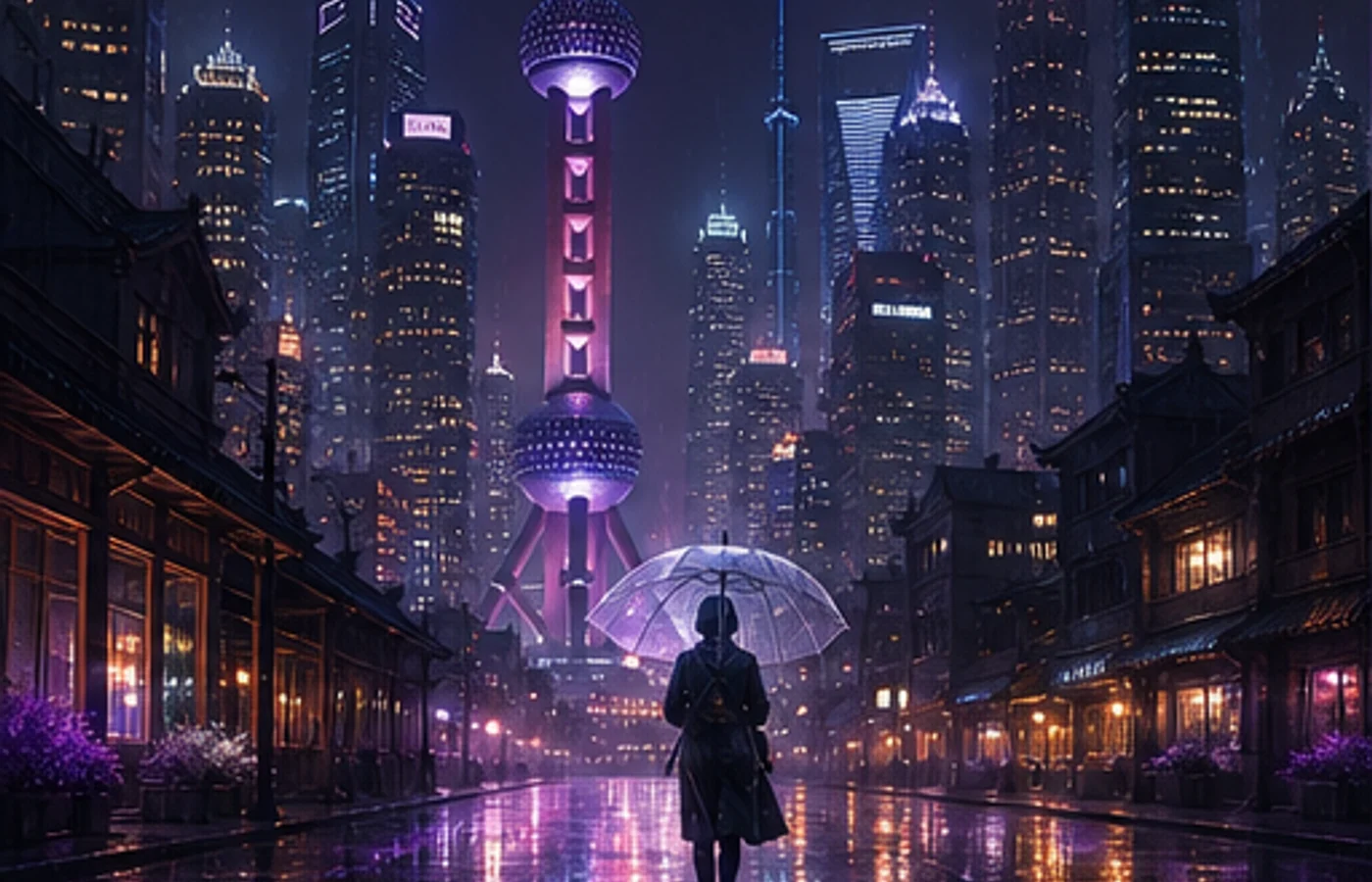
10. Adegan cyberpunk
neon-lit rainy street in a cyberpunk megacity,
holographic advertisements reflecting on wet pavement,
a lone figure with an umbrella,
volumetric fog, cinematic anamorphic lens flare
--ar 21:9 --hd --s 350 --c 15
V8.1 atau V7?
Gunakan V8.1 untuk proyek baru: jelajahi dengan SD dan selesaikan dengan HD.
Gunakan V7 untuk Omni Reference; Niji 7 adalah model terpisah melalui --niji 7.
Alur pemula yang stabil
Proses stabil lebih berharga daripada prompt panjang; beberapa akun perlu membuka profil global V7/V8.
- Tentukan subjek, aksi, lingkungan, kamera, cahaya, dan rasio.
- Bandingkan minimal dua batch SD.
- Ubah satu variabel tiap putaran.
- Gunakan --raw atau Style Reference hanya bila perlu.
- Selesaikan dalam HD dan periksa tepi, tangan, teks, serta hak penggunaan.
Mulai dengan Midjourney
V8.1 mempercepat pengujian terkontrol dan menghapus satu langkah upscale.
Pilih templat, ganti subjek, dan ubah satu hal yang jelas per batch.
Mulai menggunakan Midjourney