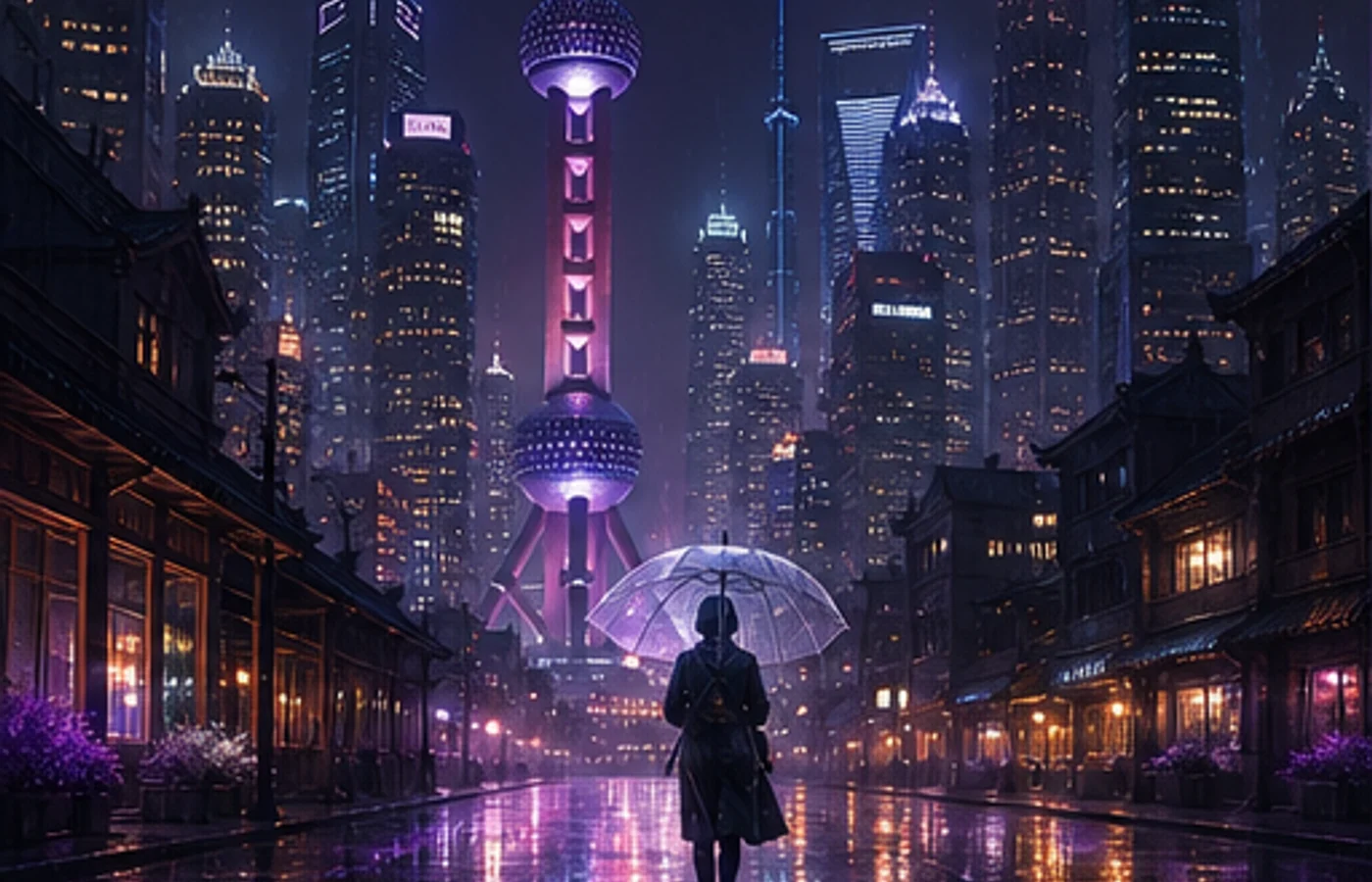

Midjourney V8.1 は2026年4月30日にWeb版で公開され、6月10日に標準モデルになりました。通常ジョブは約4〜5倍高速で、ネイティブ2K HDと細部を保ちやすいプロンプト理解が特徴です。
このMidjourneyチュートリアルでは、HDの使いどころ、主要パラメータ、再利用しやすいプロンプトの組み方を解説します。本ガイドと制作ワークスペースはMidjourney公式サイトとは独立しています。
Style Reference はV8.1で利用できますが、Omni Reference は現在V7で動作します。
V8.1 と V7 の違い
V8.1はV8の速度と理解力に、V7に近い見慣れた画面バランスを組み合わせています。
| 項目 | V7 | V8.1 |
|---|---|---|
| 通常速度 | 反復が遅め | 約4〜5倍高速 |
| 1:1サイズ | 標準生成 | SD 1024px / HD 2048px |
| 指示理解 | 短い指示に安定 | 細かな条件を保持 |
| 参照機能 | OmniとStyle | Style対応、OmniはV7 |
V8.1 の主要機能
1. ネイティブ2K HD
構図が決まってから--hdを使用します。1:1では2048×2048、SDは1024×1024で試行向きです。
2. 高速な反復
構図、カメラ、光を別々に検証し、毎回プロンプト全体を書き直さないことが重要です。
3. Rawで制御
--rawは自動スタイルを弱め、明示した指示の比重を高めます。
4. プロンプト補助
Image Prompts、Describe、Prompt Shortenerで参照を分析し、効かない語を整理できます。
5. 参照機能の互換性
Style ReferenceはV8.1対応、--orefと--owはV7の機能です。
6. Draftモード
Web版で512pxの案を24枚、0.4 GPU分で生成し、VaryやRemixでSD/HDに作り直せます。
パラメータ早見表
パラメータは末尾に置き、一度に一つだけ変更します。
| パラメータ | 用途 | 例 |
|---|---|---|
--v 8.1 | V8.1を使用 | --v 8.1 |
--hd | HD生成 | --hd |
--sd | SD生成 | --sd |
--ar | 比率設定 | --ar 16:9 |
--s / --stylize | スタイル強度 | --s 250 |
--raw | 自動スタイル低減 | --raw |
--c / --chaos | 多様性を上げる | --c 30 |
--sref | スタイル参照 | --sref URL |
--sw | スタイル強度 | --sw 200 |
--no | 不要要素を除外 | --no text |
--seed | seed再利用 | --seed 12345 |
--draft | Web Draft | --draft |
--oref | V7のOmni | --oref URL |
--ow | V7のOmni強度 | --ow 300 |
--niji 7 | Niji 7を使用 | --niji 7 |
実践プロンプト10選
テンプレートは主題、環境、カメラ、光、比率の順です。
1. EC商品画像
minimalist skincare bottle on a marble surface,
eucalyptus leaves, soft water droplets,
clean studio lighting, commercial product photography,
white background --ar 4:5 --hd --s 200
2. エディトリアルポートレート
portrait of a young woman in a cream linen blazer,
soft natural light from a large window,
neutral background, shallow depth of field,
shot on medium format film, editorial style
--ar 3:4 --hd --s 250
3. アニメキャラクター
a girl with twin braids wearing a sailor uniform,
cherry blossom petals falling, school rooftop scene,
anime illustration, pastel color palette,
detailed eyes --ar 3:4 --niji 7
4. インテリア案
modern Japanese wabi-sabi living room,
floor-to-ceiling windows overlooking a misty zen garden,
natural wood and concrete, warm indirect lighting,
architectural interior photography --ar 16:9 --hd --s 300
5. ロゴ案
minimalist geometric logo mark for a tech startup,
clean lines, single color, scalable vector style,
modern and professional, white background
--ar 1:1 --raw --s 50
6. フード写真
overhead shot of ramen bowl with soft-boiled egg,
nori, green onions, steam rising,
dark moody food photography, dramatic side lighting
--ar 1:1 --hd --s 200
7. ファンタジー背景
ancient floating city above clouds at golden hour,
waterfalls cascading into mist,
massive stone bridges and hanging gardens,
epic fantasy concept art, cinematic lighting
--ar 21:9 --hd --s 400 --c 20
8. 絵本イラスト
a little fox wearing a red scarf walking through
an autumn forest, falling golden leaves,
warm watercolor illustration style,
soft and cozy atmosphere, children's book art
--ar 4:3 --niji 7 --s 300
9. SNSカバー
abstract gradient background with flowing silk shapes,
soft pink and lavender tones,
modern editorial design, clean and elegant,
negative space for text overlay --ar 16:9 --s 150
10. サイバーパンク背景
neon-lit rainy street in a cyberpunk megacity,
holographic advertisements reflecting on wet pavement,
a lone figure with an umbrella,
volumetric fog, cinematic anamorphic lens flare
--ar 21:9 --hd --s 350 --c 15
V8.1 と V7 の選び方
新規制作はV8.1でSD探索し、選んだ構図をHDで仕上げます。
Omni Referenceが必要ならV7、アニメ表現は別モデルの--niji 7を使います。
初心者向けの安定した手順
長文より一定の手順が有効です。利用前にGlobal V7/V8 Personalization Profileの解除が必要な場合があります。
- 主題、動作、環境、カメラ、光、比率を決める。
- SDを最低2回比較する。
- 1回につき1要素だけ変える。
- 必要な場合だけ--rawやStyle Referenceを加える。
- HDで仕上げ、輪郭、手、文字、権利を確認する。
Midjourneyを始める
V8.1は管理された試行を高速化し、アップスケール工程を一つ減らします。
テンプレートの主題を置き換え、各バッチで一箇所だけ修正してください。
Midjourneyを使い始める