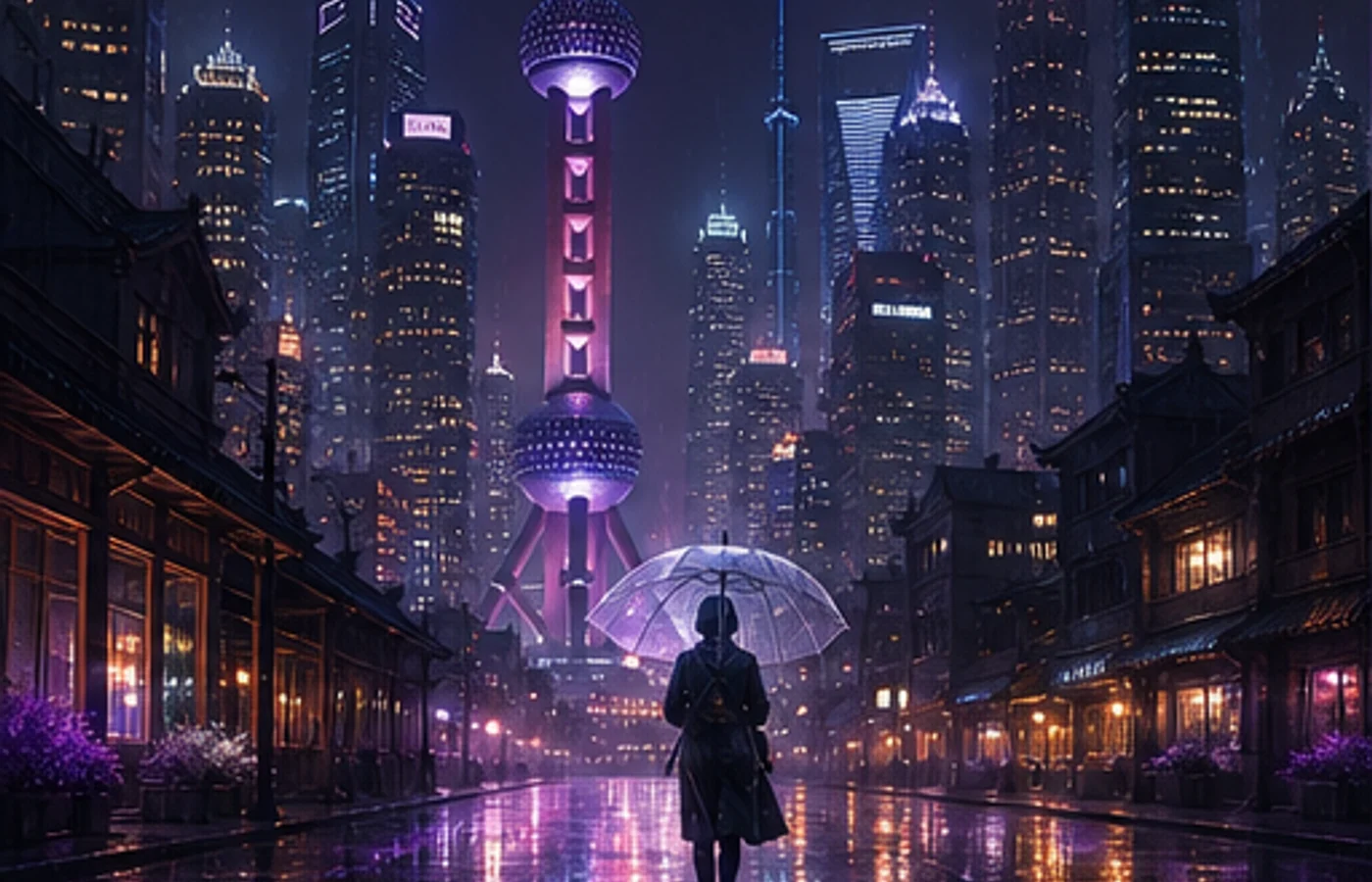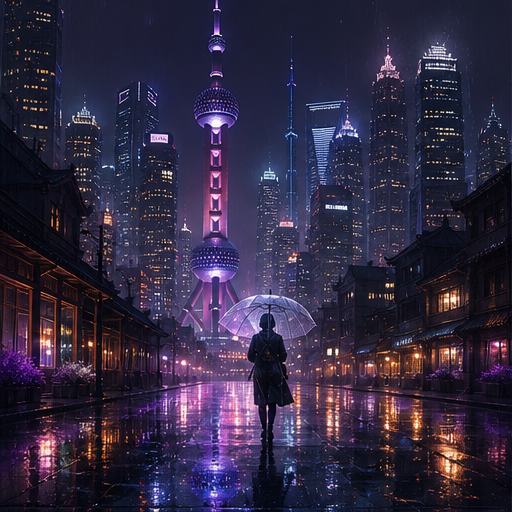
architecture
Explore gallery Midjourney AI
Turn a passing idea into a striking image. Describe what you see, choose a direction, and keep refining without wrestling with complex settings.
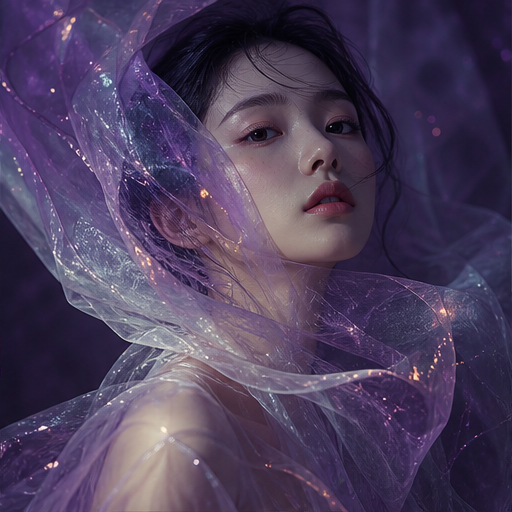
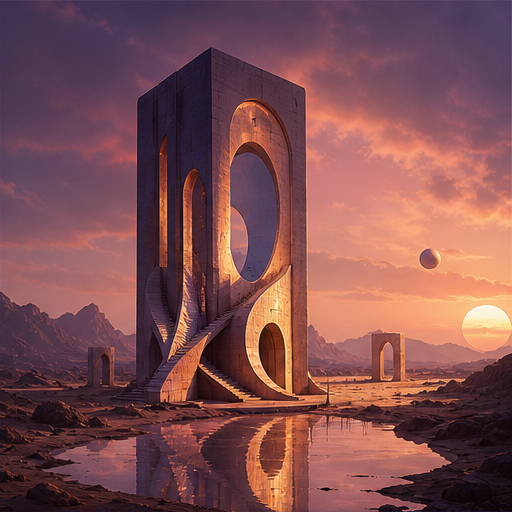
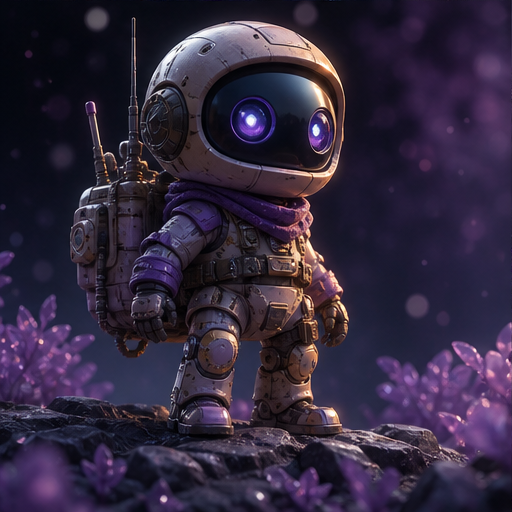
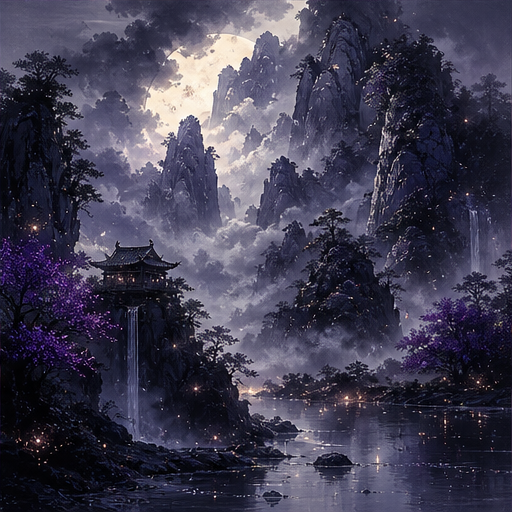
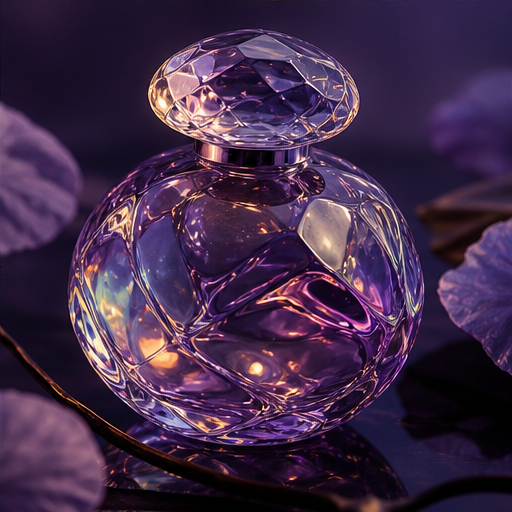
Every tool keeps the creative decision in your hands while removing repetitive setup.
Create freeWrite the way you think. Structured guidance turns loose ideas into precise visual direction.
Try cinematic, editorial, spatial, or tactile directions without rebuilding your prompt.
Refine details and export clean results for social, presentation, and campaign work.
Learn the complete Midjourney workflow—from entering a prompt and refining variations to editing, generating 2K HD images, and exporting the final result.
From what Midjourney is to prompts, Niji mode, parameters, and getting started — answers to help you create faster
Midjourney is a leading AI image generation tool that turns natural language descriptions into high-quality images in seconds. It's ideal for concept design, illustration, character creation, e-commerce product visuals, mood boards, and brand visual drafts. This site, midjourney.ink, is an independently operated Midjourney guide offering tutorials, parameter references, and prompt tips. It is not affiliated with or endorsed by Midjourney, Inc.
Midjourney excels in visual quality, style control, and artistic atmosphere — ideal for concept art, illustration, and visual exploration. ChatGPT image generation (GPT Image) is stronger at multi-turn editing instructions and cross-task collaboration. There's no absolute 'better' — it depends on your use case: for aesthetic quality and style consistency, Midjourney is often the better choice; for conversational iterative editing, dialogue-based tools may be more convenient.
In V8.1, enable HD images in the Version section of the settings panel, or use the --hd parameter in your prompt. HD mode generates high-resolution images directly without the traditional Upscale step, preserving fine details and textures.
Text-to-image generates pictures from text descriptions, ideal for creating from scratch. Image-to-image uses a reference photo, and Midjourney generates new images based on the reference's composition, color tone, or style — perfect for iterating on an existing visual direction. You can combine both: use text-to-image to establish direction, then image-to-image to refine.
Start with short, specific prompts: subject + style + lighting + composition. Use default parameters first, then gradually explore --ar (aspect ratio), --stylize (style intensity), and --raw (disable default beautification). You can also follow our step-by-step tutorial 'Getting Started with Midjourney from Zero' on this site.
Click the 'Try Midjourney' button on this page to access the generation workspace. This site, midjourney.ink, provides model introductions, parameter guides, and tutorials to help you master the latest version quickly.
Start free and turn the idea in your head into something you can share.
Create free